 Auto Field Maps
Make a map of your farm with every field
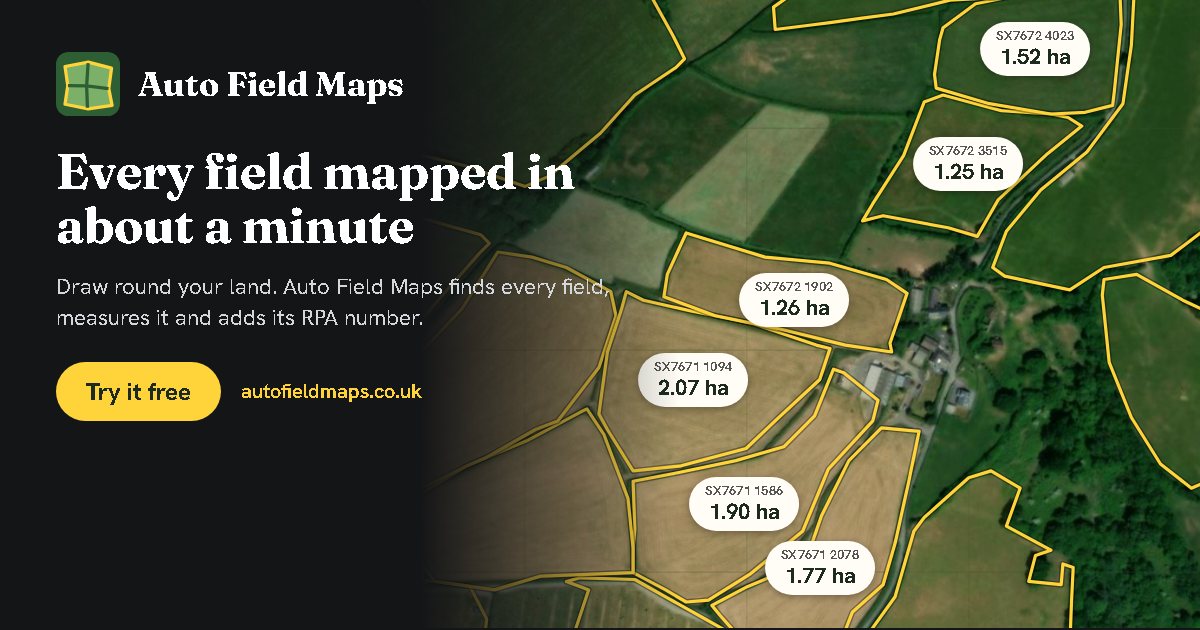
Draw a rough line around your land and Auto Field Maps finds every field inside it, measures it, and labels it with its field number. Print it, share it, or open the field list in Excel. Free, on your phone or computer.
Map your farm now. It usually takes about a minute.
Map my farmHow it finds your fields
You do not draw each field. Auto Field Maps looks for what closes each field in:
- Hedges, fences, walls, tracks, roads and streams already mapped on OpenStreetMap.
- The aerial photo: the dark line of a hedge, and the change of colour where one crop meets another.
- Lidar height data at the more accurate settings: hedges, walls and banks that stand up from the ground. Available for England, Wales and Scotland, the Netherlands and France.
Each field's edge is put on the field side of its hedge. Where it finds two field numbers inside one field, it tells you, as a fence may split it that cannot be seen from the air.
Make it your own
- Crops: filled in from last year's Crop Map of England, or pick your own with a picture for each field.
- Notes for each field: what was sown, drainage, gateways, anything to remember.
- Field jobs such as spraying, rolling, hedge trimming or lime spreading, shown on the map.
- Edit any field: drag its corners, split it along a fence, or draw a new one by hand.
Share it and download it
- Share a link with staff or contractors, with a job on the fields you choose. They tap each field as it is finished, and you get a record of what was done where.
- PDF to print: the map, then a list of every field with its number and size.
- Spreadsheet for Excel or Google Sheets, a picture, or a Google Earth file.
Questions
Is there a free app to map my farm's fields?
Yes. Auto Field Maps is free and works in the web browser on a phone, tablet or computer. Draw roughly around your land and it finds every field, with its size and, in England, its RPA field number.
Do I need to draw every field myself?
No. You only draw a rough line around all your land. The fields inside it are found from hedges, fences, walls, tracks and streams, from the aerial photo and, at the more accurate settings, from lidar height data.
Can I print my farm map?
Yes. Download a PDF with your map on the first page and a list of every field, with its number and size, on the second. You can also download a picture, a spreadsheet or a Google Earth file.
Free, no account needed, and your maps stay on your device.
Map my farm